
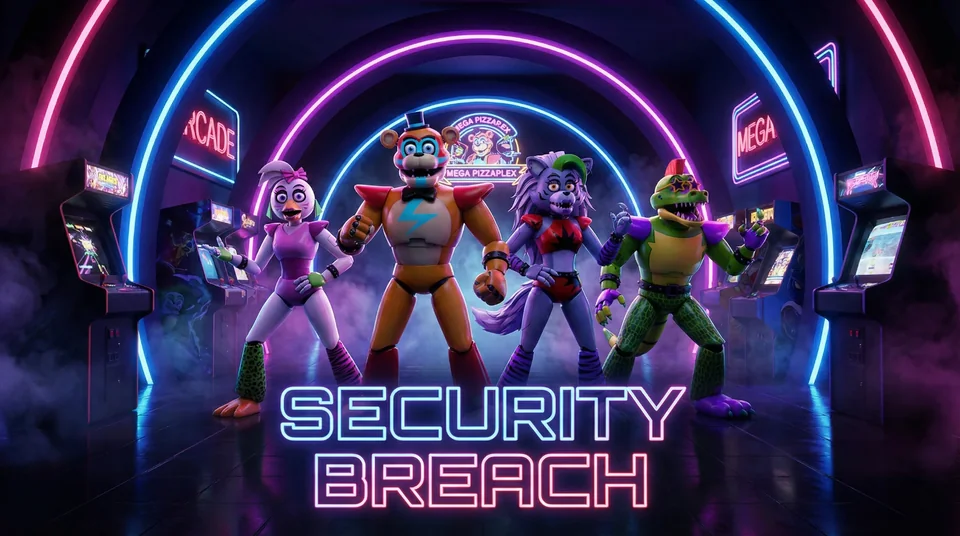
This guide covers Pizzaplex Survival, the game playable on this site. Its instructions and controls were checked in the embedded game. It is an office-survival fan game inspired by Security Breach, not the commercial adventure with Gregory, free roaming and multiple story endings.
Start a night
On the game page, press Play and wait for the menu. Choose How to Play to read the in-game help, Start Game to begin Night 1, or Custom Night to adjust the available difficulty controls. The objective is to remain alive from 12 AM until 6 AM.
Check cameras, then return to the office
Press Cameras to see the Pizzaplex camera views. Use the camera buttons to track movement and Back to return to the office. The in-game help says animatronics freeze while you watch them on camera. Cameras still draw power, so avoid leaving the monitor open without a reason.
Use lights to check each doorway
Hold a Light button to illuminate that side of the office. A short check helps identify which doorway is threatened. When “Danger Nearby!” appears, check the sides rather than closing both doors automatically.
Close doors when needed
The left and right Door buttons operate the corresponding metal doors. A closed door blocks an approaching animatronic and continues to drain power. Once it is safe, reopen it to reduce usage.
Watch power and usage together
The remaining power tells you how much energy is left; Usage indicates how quickly it is being spent. Doors, lights and cameras all consume energy. Start with a simple cycle: brief camera check, return to the office, check a threatened doorway and operate only the door you need.
The game's help warns that Vanny appears after 2 AM and moves quickly. Keep checking the situation as the night progresses. No timing routine guarantees a win: react to what the cameras and doorway lights show.
Fullscreen and mobile controls
Use the page's Fullscreen button for more room. On browsers without native fullscreen, the expanded player has an Exit fullscreen button. Landscape orientation gives the left and right office controls more space. Touch and audio behavior still depend on the browser.
Which Security Breach is this?
The playable version here stays in a security office. Instructions for commercial Security Breach quests, Freddy upgrades or story endings do not apply to it. Use the game's own help for this version's rules.
Try the controls
Play Pizzaplex Survival or browse the other game guides.